Creating a home office that is both cozy and productive can significantly improve your work-from-home experience. Whether you’re working remotely full-time, freelancing, or just need a dedicated spot for occasional tasks, a comfortable and well-organized workspace can boost focus, reduce stress, and increase efficiency. In this post, we’ll share practical tips on designing a home office space that feels inviting while helping you stay productive throughout the day.
Choose the Right Location
Consider Natural Light
Natural light can lift your mood and reduce eye strain. Aim to position your desk near a window, if possible. This provides not only illumination but also a pleasant view for breaks.
Minimize Distractions
Pick a quiet area of your home, away from high-traffic zones or noisy appliances. If you don’t have a dedicated room, a corner in a less busy space works too.
Invest in Comfortable Furniture
Ergonomic Chair
Your chair is probably the most important piece of office furniture. Look for ergonomic options that support good posture, with adjustable height and lumbar support.
Functional Desk
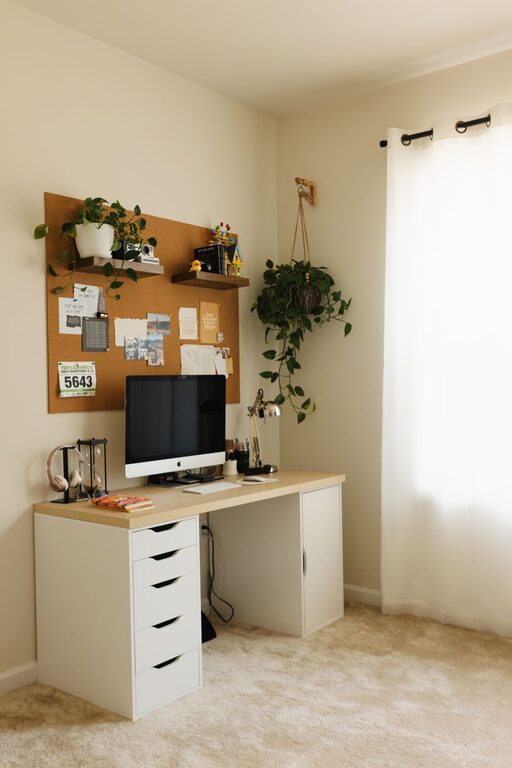
Choose a desk that fits your space and work needs. If your tasks generate a lot of papers, opt for one with storage compartments or drawers to keep things tidy.
Organize Your Workspace
Declutter Regularly
A clean desk can help clear your mind. Keep only essentials on your desktop and store everything else neatly.
Use Organizers
Drawer dividers, desktop trays, and file holders help maintain order and make it easier to find what you need quickly.
Add Personal Touches
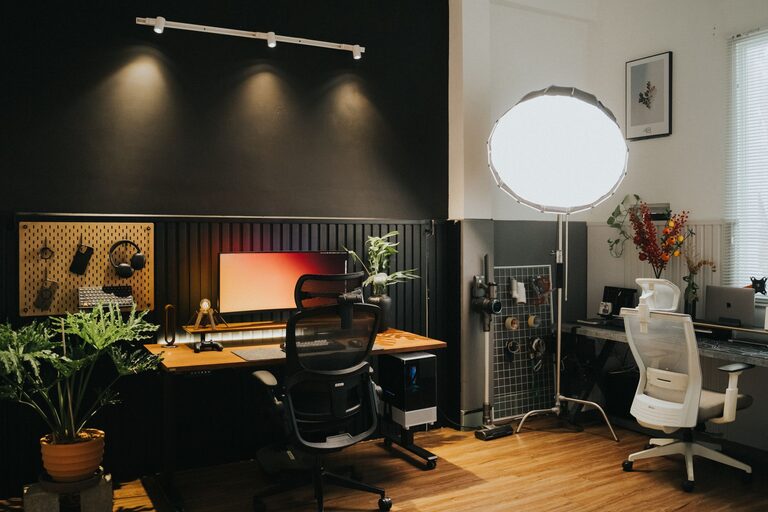
Incorporate Plants
Plants improve air quality and add a refreshing element to your workspace. Low-maintenance options like succulents or spider plants are great choices.
Display Inspiring Items
Framed photos, motivational quotes, or artwork can make your office feel uniquely yours and keep you inspired.
Optimize Lighting
Layered Lighting
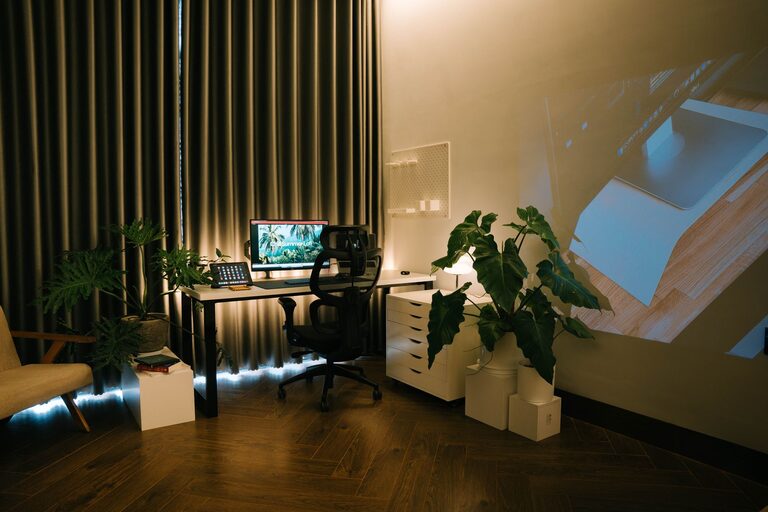
In addition to natural light, include ambient lighting (like ceiling lights) and task lighting (such as desk lamps). This reduces eye strain and creates a warm atmosphere.
Use Warm Light Bulbs
Soft, warm-toned bulbs tend to be more relaxing than bright white light, helping your space feel cozy.
Manage Technology Efficiently
Cable Management
Tidy cables with clips, sleeves, or cable boxes to prevent tangles and a messy look.
Essential Tech Setup
Ensure your computer, printer, and any other devices are within easy reach and arranged ergonomically.
Create Boundaries Between Work and Relaxation
Physical Separation
If possible, close a door or use a room divider to separate your office from living spaces, signaling to yourself and others when you’re working.
End-of-Day Ritual
Develop a habit that marks the end of your workday, like shutting down your computer or tidying your desk, to help switch from work mode to personal time.
Enhance Comfort and Ambiance
Temperature Control
Keep your office at a comfortable temperature. Small fans or heaters can help if your HVAC system doesn’t serve the space well.
Cozy Textiles
A soft rug, cushions, or a throw blanket can make your office feel warmer and more inviting.
Take Regular Breaks
Follow the 20-20-20 Rule
Every 20 minutes, look at something 20 feet away for at least 20 seconds to reduce eye fatigue.
Stretch and Move
Stand up, stretch, or take a short walk to refresh your mind and body, boosting focus when you return.
—
Setting up a cozy and productive home office doesn’t require a big budget or complex design. By focusing on comfort, organization, and a pleasant atmosphere, you can create a work environment that supports your best efforts and enhances your well-being. Start with small changes and adjust as you find what helps you work best. Happy decorating!