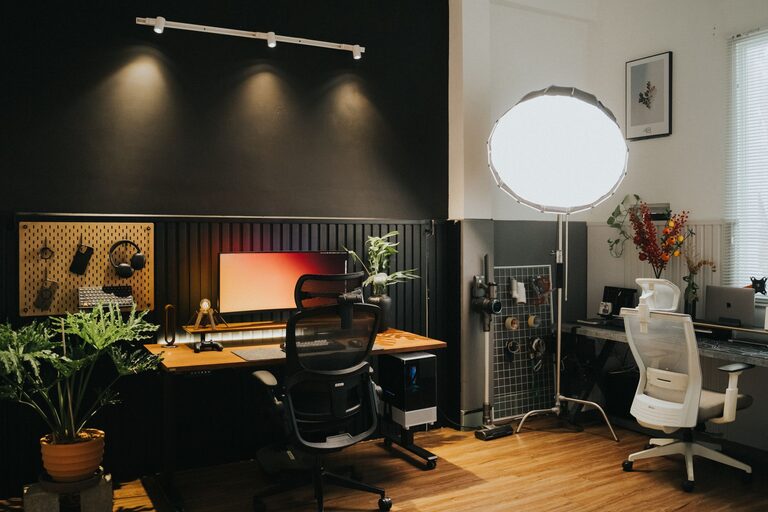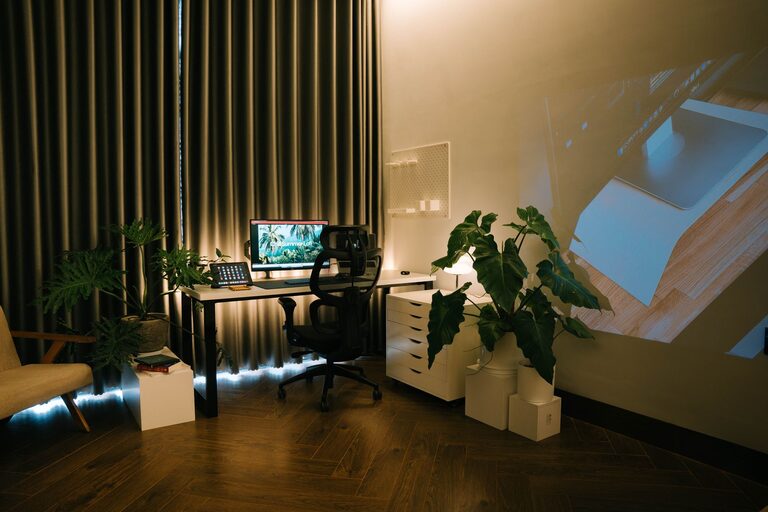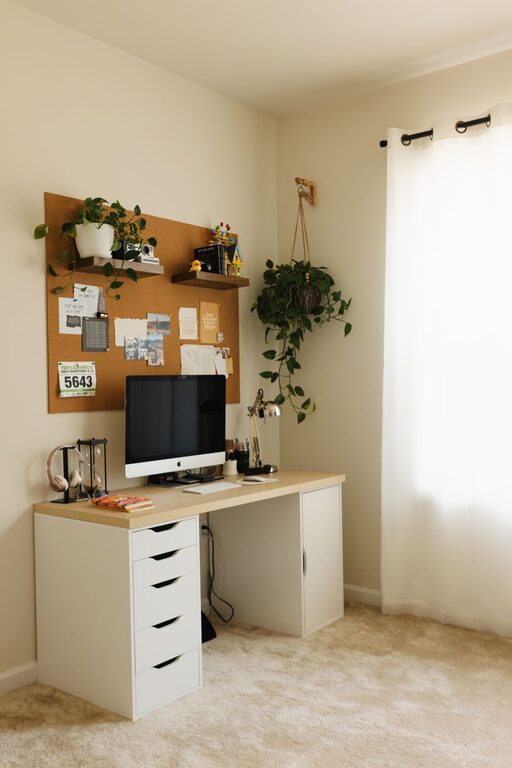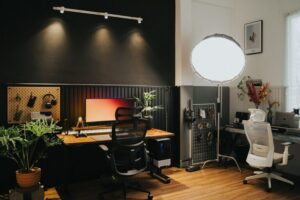
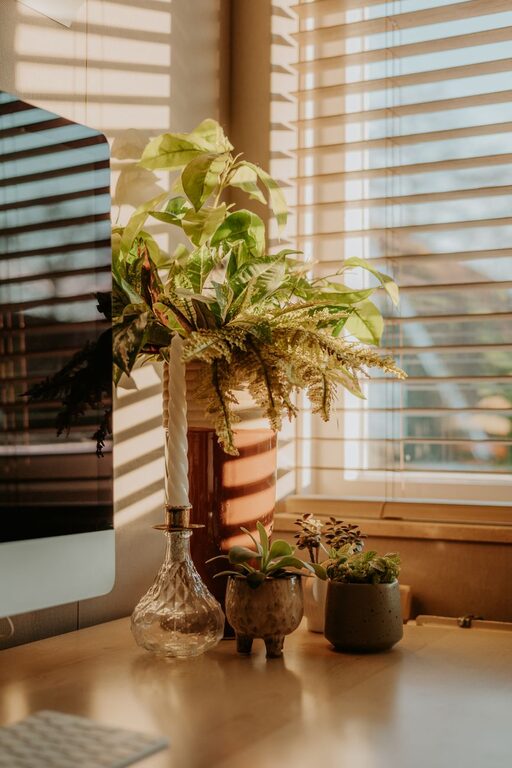
Creating a home workspace that balances comfort and productivity is essential for anyone working remotely or managing tasks at home. A well-designed area can boost your focus, reduce stress, and make working from home more enjoyable. Whether you have a dedicated room or just a small corner, these tips will help you set up a cozy and efficient workspace.
Choose the Right Location
Find a Quiet Space
Selecting a quiet area away from household noise is a great first step. This helps minimize distractions and allows you to concentrate better. If a separate room isn’t available, try a corner where you can place a room divider or use noise-cancelling headphones.
Consider Natural Light
Natural light improves mood and alertness. Position your desk near a window if possible, but avoid glare on your computer screen. If natural light is limited, invest in good quality lighting that mimics daylight.
Invest in Comfortable Furniture
Ergonomic Chair
A supportive chair is key to staying comfortable during long work sessions. Look for chairs with adjustable height, lumbar support, and cushioned seating. Sitting comfortably reduces the risk of back pain and helps maintain good posture.
Functional Desk
Choose a desk that fits your space and provides enough surface area for your computer, monitor, and work materials. Adjustable desks or standing desks can offer flexibility and promote better health by allowing you to change positions throughout the day.
Organize for Efficiency
Declutter Your Space
Keep your workspace tidy by removing unnecessary items. A clutter-free area reduces stress and helps you focus. Use storage boxes or trays to keep supplies organized and easy to access.
Use Storage Solutions
Shelves, filing cabinets, and drawer organizers can help store documents and office supplies neatly. Label storage containers to quickly find what you need without wasting time searching through piles.
Personalize Your Workspace
Add Cozy Elements
Incorporate soft furnishings like cushions, a throw blanket, or a rug to make your space feel inviting. Personal touches can increase comfort and motivation.
Bring in Greenery
Houseplants brighten your workspace and improve air quality. Choose low-maintenance plants like succulents or snake plants to add a natural vibe without much upkeep.
Minimize Distractions
Set Boundaries
If you share your home with others, communicate your work schedule clearly. Using signs or signals can help minimize interruptions during focus time.
Manage Technology
Turn off notifications unrelated to work and keep only essential apps and devices within reach. Organize your cables and chargers to prevent a messy, tangled workspace.
Establish a Routine
Define Working Hours
Setting clear start and end times helps separate work from personal life. Stick to your routine as much as possible to build consistency and improve productivity.
Take Regular Breaks
Short breaks help refresh your mind and prevent burnout. Use techniques like the Pomodoro method—working in focused intervals followed by brief rests—to maintain energy levels.
Optimize Your Technology Setup
Quality Equipment
Invest in reliable technology such as a fast internet connection, a good quality computer, and an external monitor if possible. This can make your work easier and more efficient.
Tools for Comfort
Use accessories like a keyboard and mouse that suit your hand size and reduce strain. Screen filters or blue light glasses can help reduce eye fatigue, especially during long hours.
Keep It Inspirational
Visual Motivation
Add artwork, motivational quotes, or photos that inspire you to stay productive and positive. Changing these occasionally keeps your workspace fresh and interesting.
Music and Ambience
If you enjoy background music while working, create playlists that help you focus. Alternatively, white noise machines or nature sounds can improve concentration.
—
Creating a cozy and productive home workspace is about balance. By choosing the right location, furnishing it comfortably, staying organized, and adding personal touches, you can create an environment that supports your best work each day. Implement these tips to make your home office both inviting and efficient.