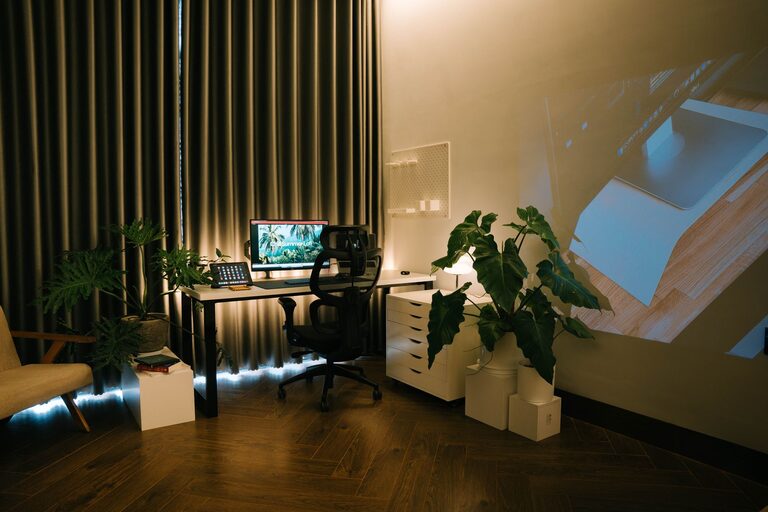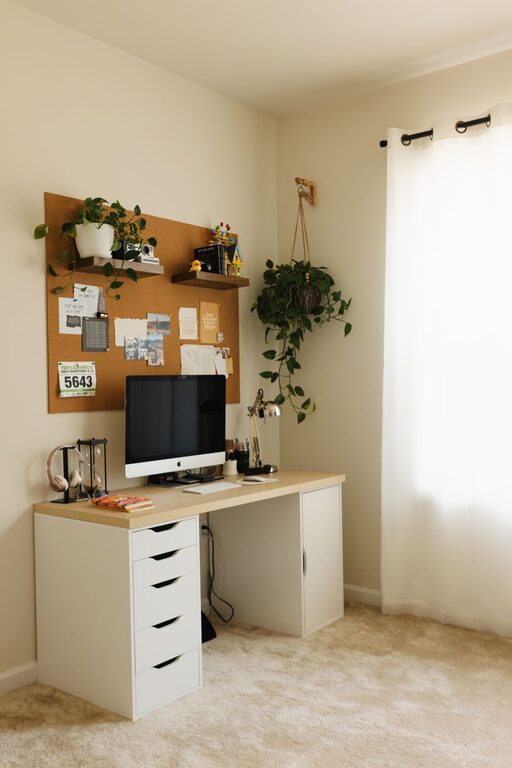
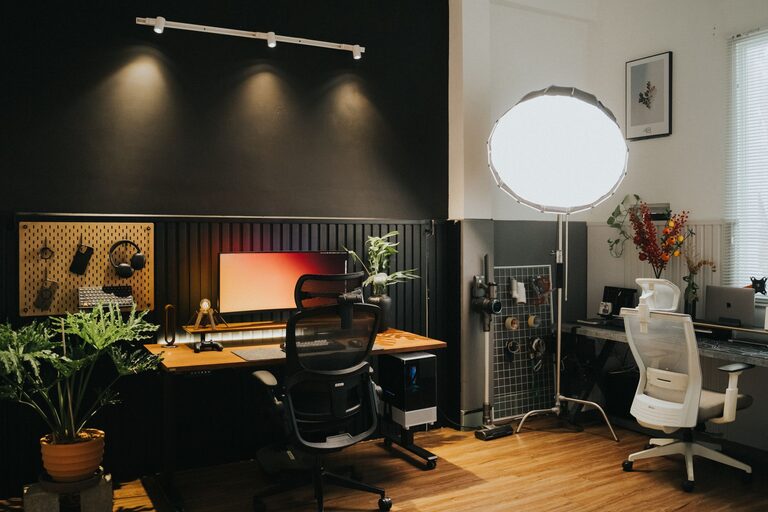
Creating a home office that is both cozy and functional can enhance your workday experience and improve productivity. Whether you work remotely full-time or need a dedicated spot for occasional tasks, designing a space that feels inviting and practical is key. Here are some helpful tips to guide you in setting up a home office that works for you.
Choose the Right Location
Selecting the perfect spot for your home office is the first step toward creating a functional and comfortable area.
– Consider natural light: If possible, pick a room or corner with plenty of natural light. Sunlight helps reduce eye strain and boosts mood.
– Minimize distractions: Choose a quiet area away from high-traffic zones to maintain focus.
– Think about space: Make sure the spot has enough room for your desk, chair, and any necessary equipment without feeling cramped.
Invest in Comfortable and Ergonomic Furniture
Your office furniture plays a significant role in both comfort and productivity.
– Ergonomic chair: A supportive chair with adjustable height and lumbar support is essential to avoid back pain during long work hours.
– Desk height: Ensure your desk suits your height or consider adjustable desks that allow you to alternate between sitting and standing.
– Additional seating: If space allows, add a small comfy chair or bench for reading or taking breaks.
Optimize Lighting
Proper lighting reduces eye strain and creates a welcoming atmosphere.
– Combine natural and artificial light: Use natural light during the day and add desk lamps or floor lamps with warm bulbs for the evening.
– Adjustable lighting: Task lighting that can be directed where you need it most is helpful.
– Limit glare: Position your screen and light sources to avoid glare that can strain your eyes.
Organize with Smart Storage Solutions
A cluttered workspace can hinder focus and creativity, so keep things organized.
– Shelves and cabinets: Use wall-mounted shelves or cabinets to maximize vertical space.
– Desk organizers: Containers and trays can keep pens, papers, and gadgets neatly arranged.
– Cable management: Use clips or sleeves to keep cords tidy and prevent tangling or tripping hazards.
Personalize for Comfort and Inspiration
Adding personal touches helps make your office feel cozy and inviting.
– Decorate with plants: Indoor plants improve air quality and add a refreshing element.
– Use colors that soothe: Choose paint and accessories in calming colors like soft blues, greens, or neutrals.
– Display art or photos: Visuals that inspire or uplift you can increase motivation.
– Add soft textures: A cozy rug, cushions, or throws can make the space feel warmer.
Incorporate Technology Thoughtfully
Technology is essential, but it should be integrated in a way that supports your workflow.
– Reliable internet: Ensure a fast and stable connection for virtual meetings.
– Proper peripherals: Invest in a quality keyboard, mouse, and monitor to enhance comfort and efficiency.
– Wireless devices: Wireless keyboards and mice reduce cord clutter.
– Charging stations: Set up a convenient spot to keep devices powered without mess.
Maintain Work-Life Balance
Even in a home office, it’s important to separate work from relaxation.
– Define office hours: Stick to specific work hours to create routine and avoid burnout.
– Physical boundary: If possible, use a door or room divider to mark your workspace.
– Break reminders: Use timers or apps to remind you to take short breaks and stretch.
Keep It Clean and Tidy
A clean workspace promotes clarity and productivity.
– Daily tidying: Spend a few minutes at the end of the day organizing your desk.
– Regular deep cleaning: Wipe surfaces, clean your keyboard, and dust shelves weekly.
Final Thoughts
Creating a cozy and functional home office doesn’t have to be complicated or expensive. By focusing on comfort, organization, lighting, and personal touches, you can design a space that supports your work goals and feels like a pleasant place to spend time. Start small, experiment with what works best for you, and enjoy the benefits of a thoughtfully crafted workspace.