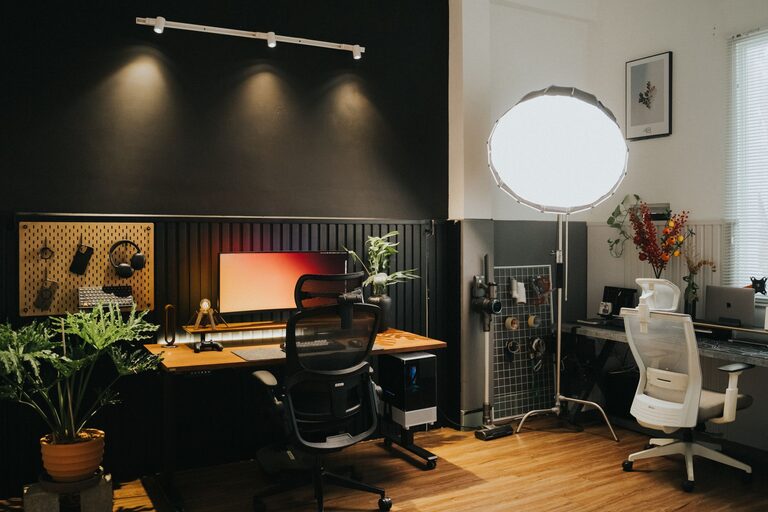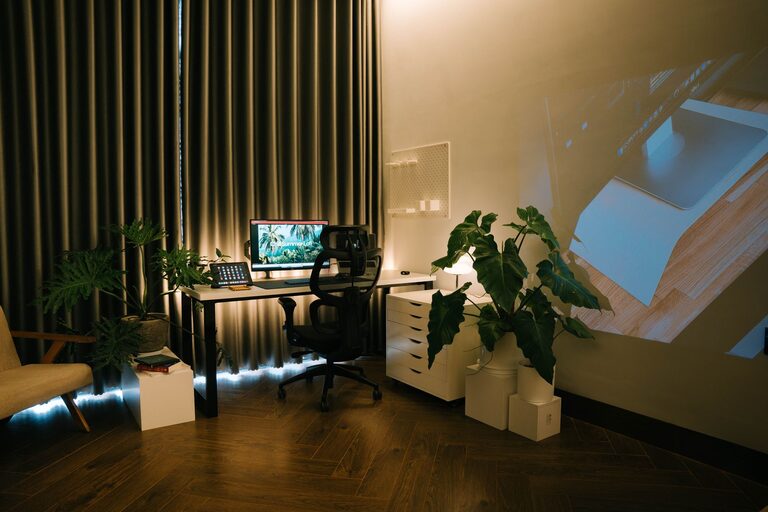
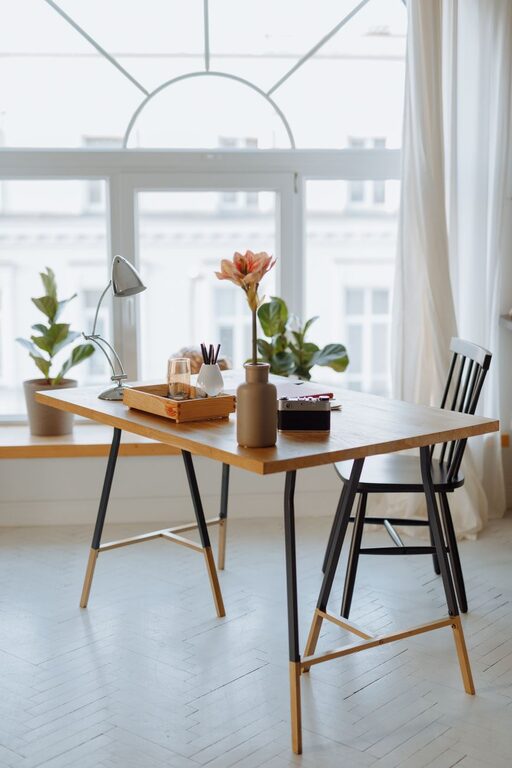
Creating a cozy and functional home office is essential for anyone who works from home or needs a dedicated space for tasks and projects. A well-designed workspace not only improves productivity but also contributes to your overall comfort and mental clarity. In this post, we’ll explore practical tips and ideas to help you set up a home office that feels inviting and supports your work needs.
Choose the Right Location
Your home’s layout offers several potential spots for a home office. Consider the following when selecting the ideal location:
– Natural Light: Choose a spot near a window to take advantage of natural light, which can boost mood and reduce eye strain.
– Quiet Area: Pick a quieter part of your home away from heavy foot traffic or noisy appliances to minimize distractions.
– Space Availability: Ensure there is enough room for your desk, chair, and storage without feeling cramped.
Invest in Comfortable and Supportive Furniture
Comfort is key when spending hours working at a desk. Here’s what to focus on:
– Ergonomic Chair: An adjustable chair with lumbar support helps maintain good posture and prevents back pain.
– Appropriate Desk: Select a desk at the right height, with enough surface area for your computer, paperwork, and other tools.
– Additional Seating: If space allows, include a small sofa or armchair for reading or brainstorming sessions.
Organize with Purpose
Clutter can decrease productivity and increase stress. To keep your workspace organized:
– Storage Solutions: Use shelves, filing cabinets, or bins to store documents and office supplies neatly.
– Cable Management: Invest in cable clips or covers to keep cords tidy and out of sight.
– Desk Accessories: Use trays or organizers for pens, notepads, and other frequently used items.
Personalize Your Space
Adding personal touches can make your office feel welcoming and inspire creativity:
– Artwork and Photos: Hang pictures or artwork that you enjoy but avoid overly distracting images.
– Plants: Indoor plants improve air quality and add a touch of nature, creating a calming atmosphere.
– Lighting: Use a combination of ambient, task, and accent lighting. A desk lamp can reduce eye strain during late hours.
Optimize Technology and Equipment
Reliable technology enhances workflow and prevents frustration:
– High-Speed Internet: Ensure your internet connection is fast and stable, especially for video calls and cloud work.
– Quality Peripherals: Use ergonomic keyboards and mice to reduce hand fatigue.
– Monitor Placement: Position your monitor at eye level and about an arm’s length away to avoid neck strain.
Create a Routine-Friendly Environment
Your workspace should support your daily routine and encourage focus:
– Separate Work and Relaxation: Try to keep your office space distinct from areas you associate with rest.
– Set Boundaries: Use room dividers or curtains if your office shares space with living areas.
– Maintain Cleanliness: Regularly tidy your workspace to keep it inviting and reduce mental clutter.
Consider Sound and Air Quality
A comfortable environment also depends on how it sounds and feels:
– Noise Control: Use rugs, curtains, or acoustic panels to dampen noise. Background music can also help some people concentrate.
– Air Circulation: Good ventilation or a small fan helps keep air fresh and prevents stuffiness.
Incorporate Flexible Elements
A flexible workspace adapts to your needs over time:
– Adjustable Furniture: Consider sit-stand desks or adjustable monitor arms to vary your posture.
– Multi-Purpose Furniture: Items like storage ottomans can double as seating or storage.
– Portable Organizers: Use rolling carts or trays to move supplies between rooms if needed.
—
By implementing these tips, your home office can become a space that not only meets your functional needs but also feels comfortable and inviting. Remember, a cozy and efficient workspace can inspire productivity and make your work-from-home experience much more enjoyable.