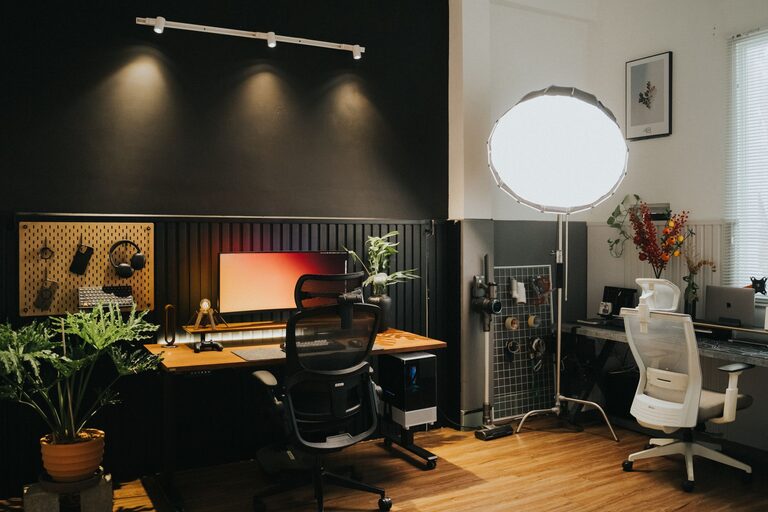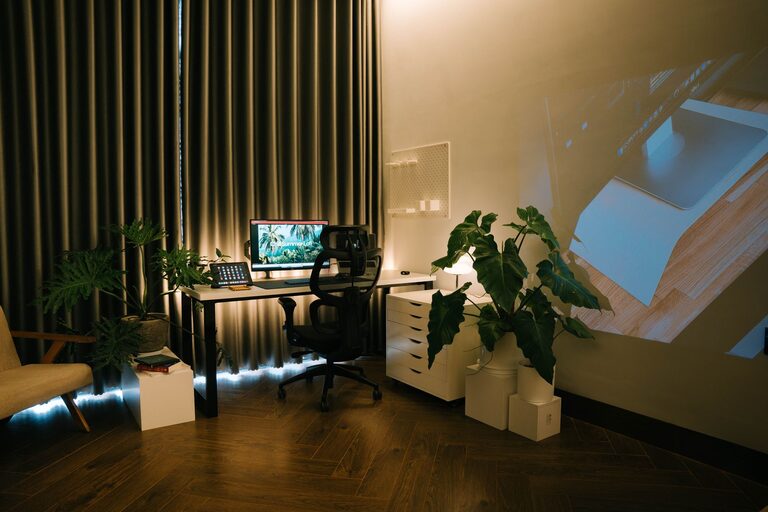
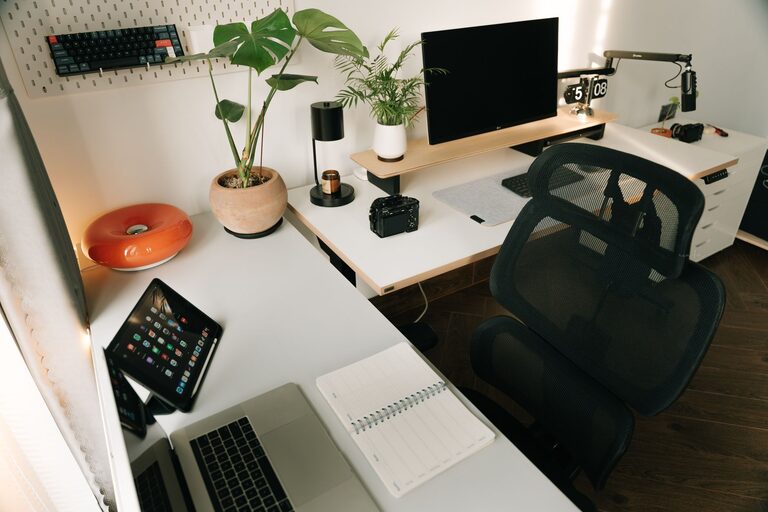
Creating an organized and comfortable home office is essential for anyone working remotely or managing tasks from home. A well-arranged workspace can enhance your focus, reduce stress, and make your workday more enjoyable. Whether you have a dedicated room or a small corner, these tips will help you design an office that supports both comfort and productivity.
Why Organizing Your Home Office Matters
A cluttered or poorly arranged workspace can lead to distractions, discomfort, and decreased efficiency. On the other hand, a tidy and thoughtfully designed office fosters concentration and creativity. Organizing your home office means more than just cleaning up; it’s about setting up a space that works well for the type of work you do and supports your daily routines.
Choose the Right Location and Furniture
Find a Quiet, Well-Lit Space
Start by selecting the best spot for your office. Ideally, choose a quiet area away from household noise. Natural light is a significant mood and energy booster, so set up near a window if possible.
Invest in Comfortable, Supportive Furniture
Choose a desk and chair that suit your needs. An adjustable chair with good lumbar support helps prevent back pain. Your desk should be the right height to avoid strain on your wrists and shoulders. Having enough surface space to hold your computer, notebooks, and other essentials is important, too.
Declutter and Simplify Your Workspace
Keep Only What You Need
Go through your office supplies and tools. Remove items that you rarely use. A clear desk helps keep your mind clear.
Use Storage Solutions
Invest in organizers such as drawer dividers, shelves, or filing cabinets. Label boxes or folders for easy access. Vertical storage can save valuable floor space.
Organize Cables and Tech Equipment
Manage Your Wires
Tangled cords can be frustrating and look messy. Use cable organizers, clips, or sleeves to keep them neat and out of the way.
Optimize Your Tech Setup
Position your monitor at eye level to reduce neck strain. Keep frequently used devices within reach. Consider wireless accessories to reduce clutter.
Personalize Your Workspace with Comfort in Mind
Add Ergonomic Accessories
Use a keyboard tray or an ergonomic mouse to improve typing comfort. A footrest can help your posture if your feet don’t touch the floor comfortably.
Use Soothing Colors and Items
Choose calming colors for walls or décor, such as soft blues or greens. Adding plants can improve air quality and create a relaxing atmosphere.
Establish Routines to Maintain Organization
Schedule Regular Cleanups
Set a weekly time to tidy your office and file papers. This helps prevent clutter from building up again.
Organize Digital Files
Create folders on your computer for different projects, and keep your desktop clean too. Back up important files regularly.
Optimize Lighting for Work and Comfort
Use a Combination of Lighting
Natural light is ideal, but also include a good overhead light and task lighting like a desk lamp. Adjustable lighting helps reduce eyestrain during long work hours.
Avoid Screen Glare
Position your screen perpendicular to windows or use blinds to minimize glare, which can cause headaches and eye fatigue.
Final Thoughts
Organizing your home office doesn’t need to be overwhelming. Focus on creating a space that blends comfort with functionality. By choosing the right location, furniture, and storage solutions, managing cables, personalizing your area, and maintaining regular routines, you can build a workspace that keeps you motivated and productive throughout the day. Small changes can make a big difference in how you feel about your work environment—take the time to tailor your home office to your unique needs and enjoy the benefits of a well-organized space.