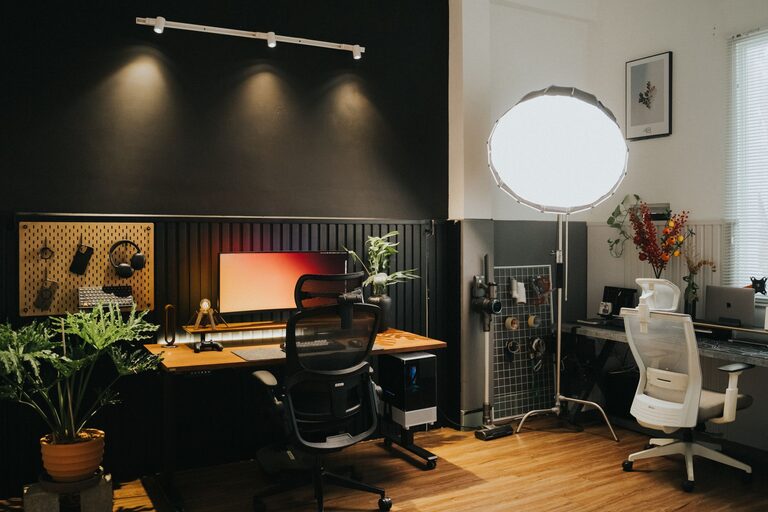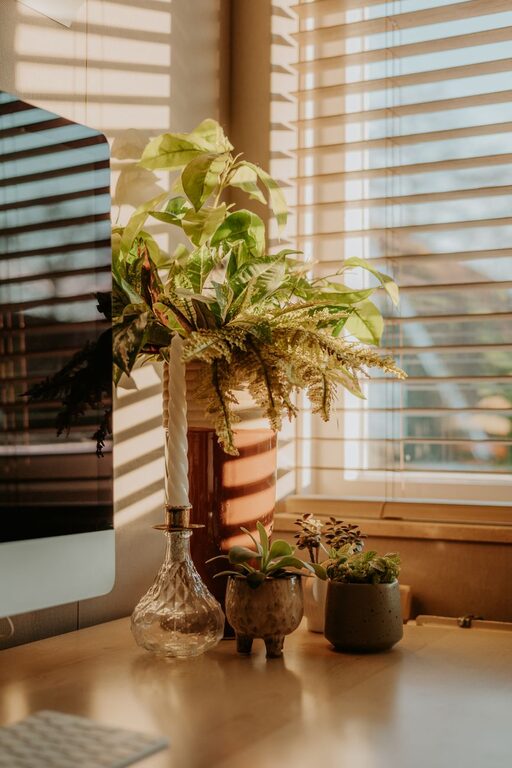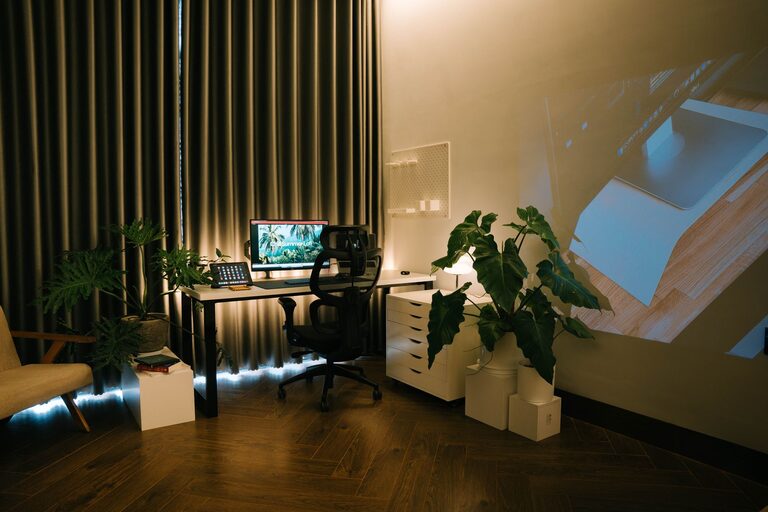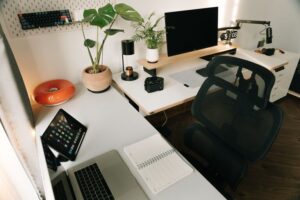
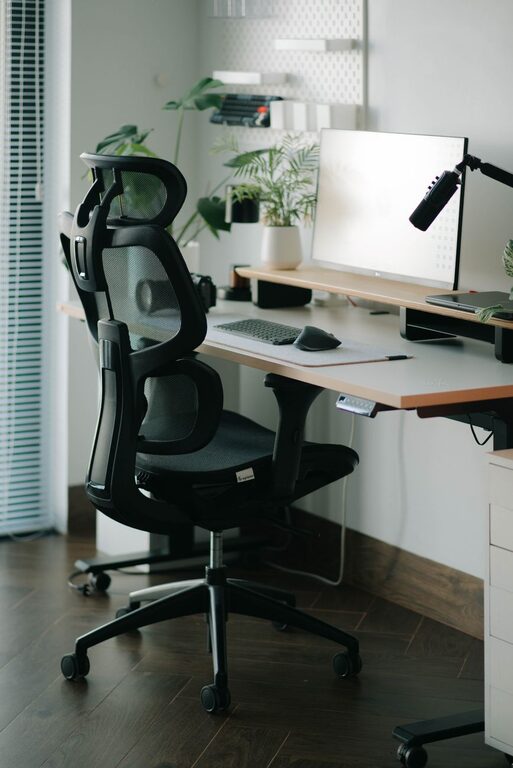
Creating a comfortable and productive home office is essential for anyone working remotely or spending extended hours at home on professional tasks. A well-designed workspace can help you stay focused, reduce stress, and maintain a healthy work-life balance. Whether you have a dedicated room or just a corner in your living space, there are many ways to optimize your home office environment. In this post, we’ll explore actionable tips to help you build a home office that’s both inviting and efficient.
Choose the Right Location
Find a Quiet Spot
Select a space where you can minimize distractions. A quiet corner, spare room, or area away from household traffic is ideal. If absolute silence isn’t possible, consider using noise-canceling headphones or soft background music.
Consider Natural Light
Natural light is beneficial for mood, energy, and eye comfort. Position your desk near windows if possible. If direct sunlight causes glare on your screen, use sheer curtains or blinds to diffuse the light.
Invest in Ergonomic Furniture
Select a Comfortable Chair
An ergonomic chair supports your back and promotes good posture. Look for adjustable features such as height, lumbar support, and armrests. Sitting comfortably helps prevent aches and fatigue during long workdays.
Choose the Right Desk
Your desk should accommodate your computer, essential tools, and allow enough space to work comfortably. Standing desks or adjustable-height desks are great for switching between sitting and standing, which improves circulation and reduces stiffness.
Organize Your Space Efficiently
Declutter Your Desk
Keep your desk tidy by storing non-essential items away. Use organizers, trays, or drawers to maintain a clean surface. A clean workspace helps improve focus and reduces stress.
Use Vertical Storage
Shelves, pegboards, and wall-mounted organizers save space and keep supplies accessible without crowding your desk. Vertical storage is useful if your home office is small.
Pay Attention to Lighting
Combine Ambient and Task Lighting
General room light combined with a focused desk lamp helps reduce eye strain. Choose bulbs with natural or soft white light to create a warm atmosphere that is easy on the eyes.
Avoid Screen Glare
Position your monitor to avoid reflections from windows or lamps. Adjust your screen brightness and contrast to comfortable levels to prevent eye discomfort.
Personalize Your Workspace
Add Plants
Indoor plants boost air quality and create a calming environment. Choose easy-to-care-for plants like succulents or pothos to brighten your workspace naturally.
Display Inspiring Items
Photos, artwork, or motivational quotes can make your home office feel welcoming and personalized, helping you stay positive and focused during your workday.
Manage Technology Effectively
Use Quality Equipment
Invest in a reliable computer, fast internet connection, and necessary peripherals like a mouse, keyboard, and headset. Good technology minimizes frustration and keeps your workflow smooth.
Keep Cables Organized
Use cable clips, ties, or sleeves to manage cords neatly. Organized cables prevent tangling and create a safer, cleaner workspace.
Incorporate Break Areas and Movement
Schedule Regular Breaks
Taking short breaks enhances productivity and reduces fatigue. Use a timer or app to remind you to stretch, walk, or rest your eyes every hour.
Create a Separate Break Space
If possible, designate a spot away from your desk to relax during breaks. Changing your environment briefly can refresh your mind and reduce stress.
Maintain Work-Life Balance
Set Boundaries
Establish clear working hours and communicate them with family or housemates. Avoid working outside those hours to give yourself time to unwind.
Close Your Office at Day’s End
Physically closing your home office door or packing away work materials signals the end of the workday and helps you transition to personal time.
—
Final Thoughts
Designing a comfortable and productive home office doesn’t require a big budget or a large space. By focusing on key areas such as location, furniture, lighting, organization, and personalization, you can create an area that supports your work and wellbeing. Remember, your workspace should inspire creativity, focus, and comfort, helping you do your best work every day.